January 2026

phone link

Link Your Phone to Your Windows Computer with Phone Link 📱

Windows Phone Link is one of those hidden-in-plain-sight Windows features that quietly makes your workflow smoother. Once connected, your phone and PC start acting like one device instead of two competing distractions. At the core, Phone Link brings your text messages, phone calls, notifications, and photos directly onto your computer. You can reply to texts […]

Link Your Phone to Your Windows Computer with Phone Link 📱 Read More »

Mobile Windows
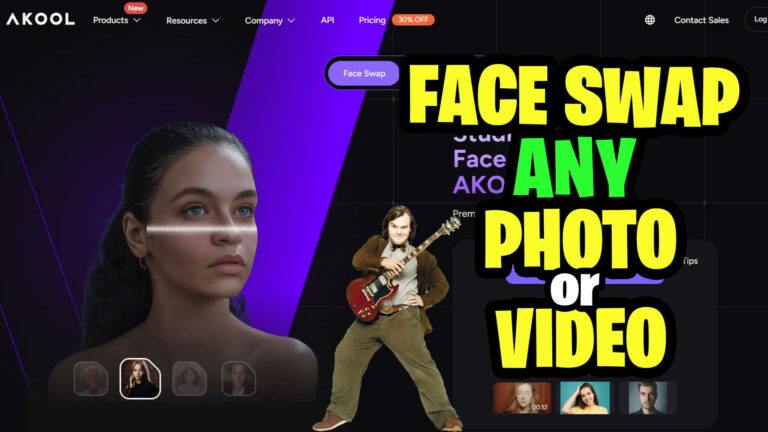

Face Swap any Photo or Video with AKOOL AI 🎭✨

What if swapping a face in a photo or video was as easy as a few clicks? That’s exactly what AKOOL AI’s Face Swap tool delivers—and it’s pretty impressive. AKOOL lets you swap faces in both images and videos, all from a clean, browser-based workspace. Upload a file, paste a video link from YouTube or

Face Swap any Photo or Video with AKOOL AI 🎭✨ Read More »

AI Multimedia, , ,
Tabs in File Explorer

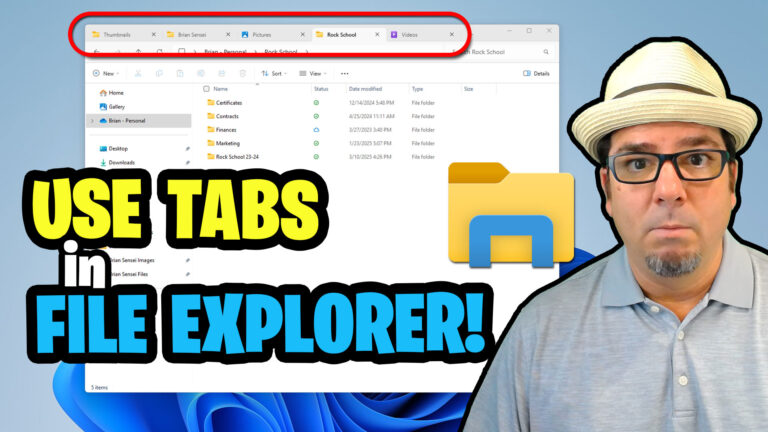
Use Tabs in File Explorer in Windows 11 🎉

Windows 11 quietly delivered one of the most practical productivity upgrades in File Explorer: tabs. If you’re someone who juggles files all day, this feature alone can significantly streamline your workflow. Tabs let you keep multiple folders open in a single window, reducing desktop clutter and making it easier to stay focused. Just like a

Use Tabs in File Explorer in Windows 11 🎉 Read More »

Windows
image to video

Turn Images into Video with KlingAI: A Creator’s Playground

KlingAI turns static images into short, animated videos using the power of generative AI—and it does it in a way that’s surprisingly flexible for creators. One of its standout features is image-to-video generation using start and end frames. Instead of animating blindly, you guide the AI by defining how a scene begins and ends, giving

Turn Images into Video with KlingAI: A Creator’s Playground Read More »

AI Multimedia,
Scroll to Top