
The EdTech Evangelist
Learn in a fun way, through quick, easy-to-follow tutorials, or hire Brian to work with you or your staff. Click “Work with Brian” in the menu to learn more.
Recent Posts
-
Email Forwarding from Gmail and Outlook 📧
Managing multiple email accounts can feel like having several inboxes competing for your attention. Fortunately, Gmail and Outlook both include built-in email forwarding features that make it easier to bring those messages together. The big feature here is centralized email management. You can automatically send incoming messages from one account to another, allowing you to…
-
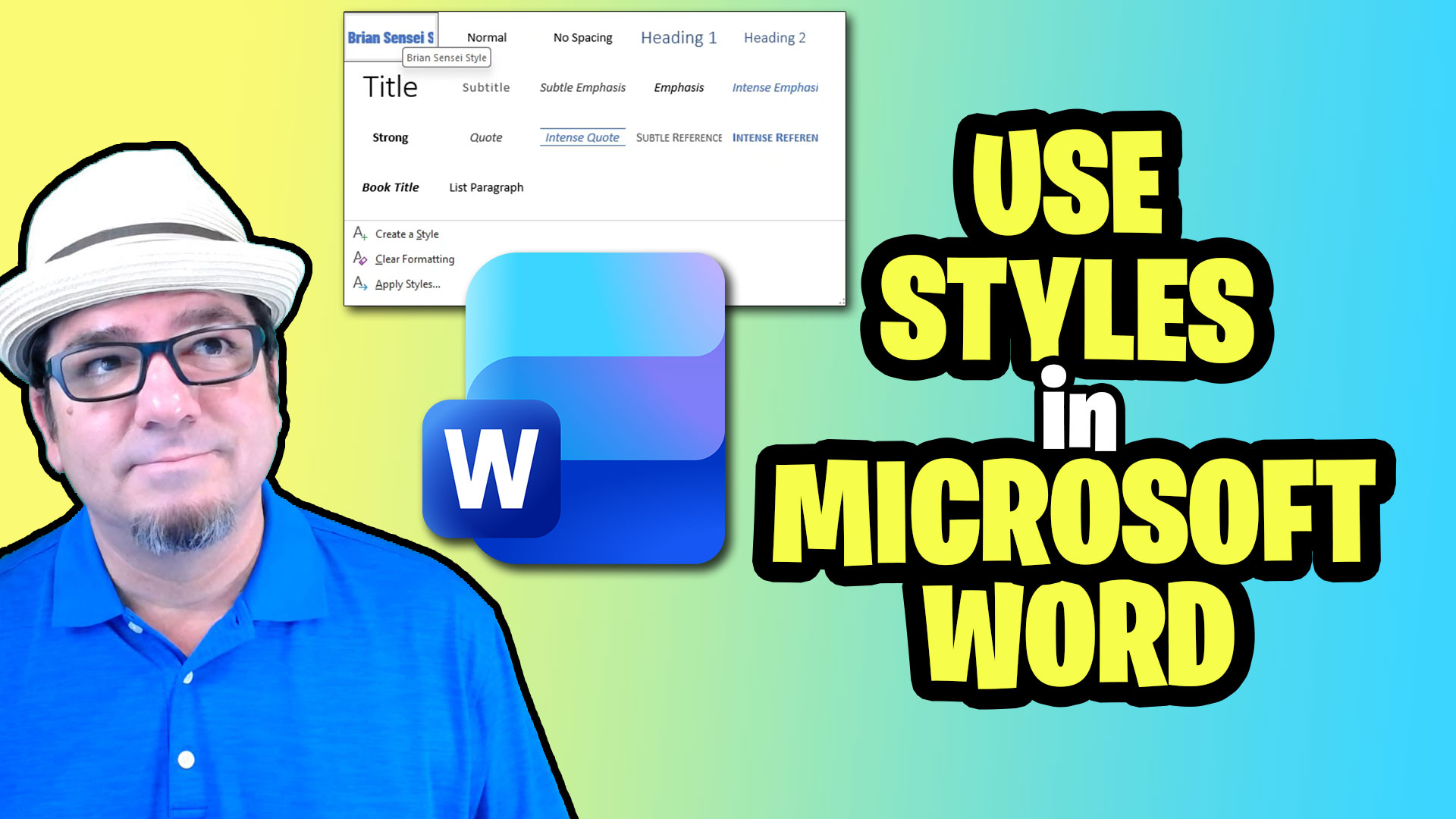
How to Use Styles in Microsoft Word
If you want your Microsoft Word documents to look more polished and professional, Styles are one of those features you’ll definitely want to know about. Word includes a collection of built-in styles for titles, headings, subheadings, and regular text. The big advantage is consistency. Instead of formatting every heading individually, Styles let you maintain a…
-
Turn Your Content Into Explainer Videos with NotebookLM
What if you could take your existing documents, images, websites, and other resources and turn them into an engaging explainer video—with almost no video editing required? That’s one of the coolest features in Google NotebookLM. NotebookLM’s Video Overview feature can transform your source materials into a narrated visual presentation. You can choose from different visual…